> For the complete documentation index, see [llms.txt](https://docs.kanalabs.io/llms.txt). Markdown versions of documentation pages are available by appending `.md` to page URLs; this page is available as [Markdown](https://docs.kanalabs.io/paymaster-service/kana-paymaster-for-aptos-and-supra/module-and-function-whitelist.md).
# Module & Function Whitelist
With this module & function whitelisting dapps can sponsor only transactions from a whitelisted modules and functions.
## Using SDK
### Function Whitelist
To add function to whitelist
```typescript
;(async () => {
const projectKey = process.env.PROJECT_KEY as string
const privateKey = process.env.PRIVATE_KEY as string
const paymasterSdk = new PaymasterSdk({ privateKey: privateKey }, { projectKey: projectKey, network: Network.TESTNET chain: chainName.Aptos})
// chain by default aptos
// network by default mainnet
const addWhitelistFunctionsResponse = await paymasterSdk.addWhitelistFunctions({
functions: [
{
module_name: 'aptos_account',
function_name: 'batch_transfer_coins',
module_address: '0x1',
},
],
})
console.log('addWhitelistFunctionsResponse', addWhitelistFunctionsResponse)
})()
```
## Dashboard
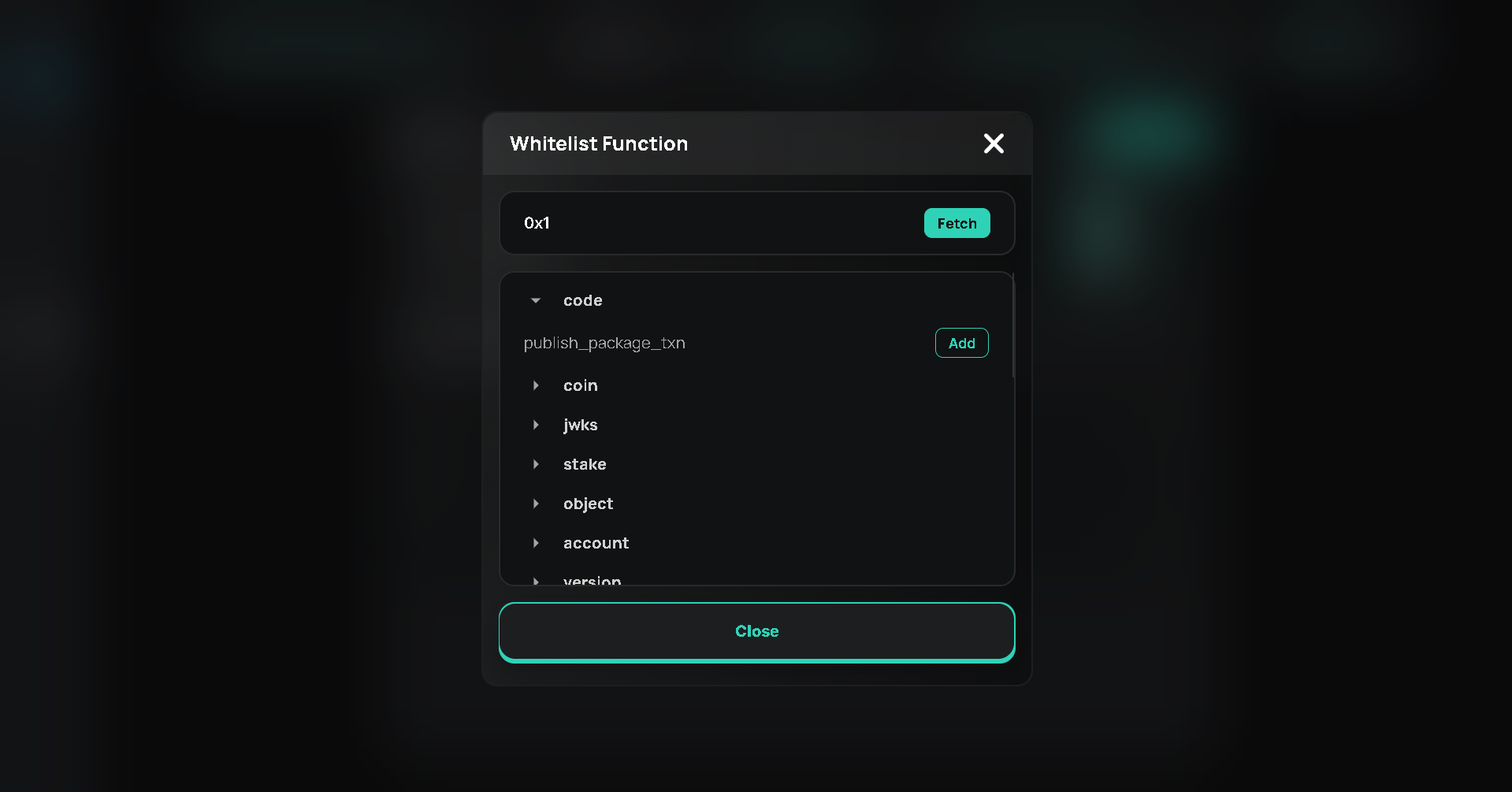
On the dashboard you can manually add functions to whitelist.
Function Whitelist
## Module Whitelist Function
To add module to whitelist
```typescript
;(async () => {
const projectKey = process.env.PROJECT_KEY as string
const privateKey = process.env.PRIVATE_KEY as string
const paymasterSdk = new PaymasterSdk({ privateKey: privateKey }, { projectKey: projectKey, network: Network.TESTNET })
// chain by default aptos
// network by default mainnet
const addModuleWhitelistFunctionsResponse = await paymasterSdk.addModuleWhitelistFunctions({
functions: [
{
module_address: '0x1',
},
],
})
console.log('addModuleWhitelistFunctionsResponse', addModuleWhitelistFunctionsResponse)
})()
```
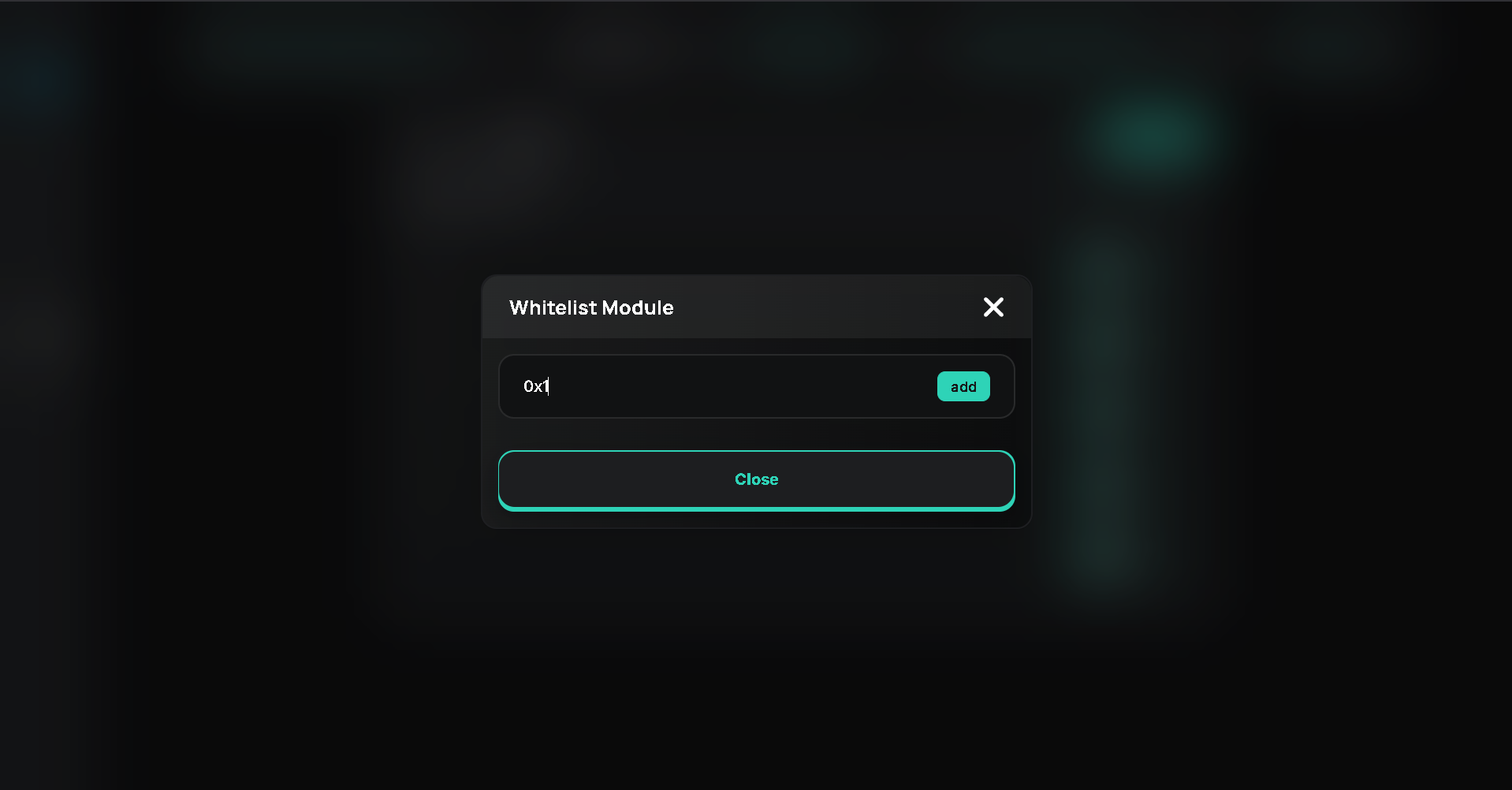
## Dashboard
On the dashboard you can manually add module address to whitelist.