> For the complete documentation index, see [llms.txt](https://docs.kanalabs.io/llms.txt). Markdown versions of documentation pages are available by appending `.md` to page URLs; this page is available as [Markdown](https://docs.kanalabs.io/paymaster-service/kana-paymaster-for-aptos-and-supra/how-to-register.md).
# How to Register?
To begin using the platform and sponsoring transactions, you must first register an account. The registration process is straightforward and only requires connecting your wallet.
### Navigating to the Dashboard
The first step is navigating to the dashboard page. This can be accessed from the main navigation menu by selecting "Dashboard".
### Connecting Your Wallet
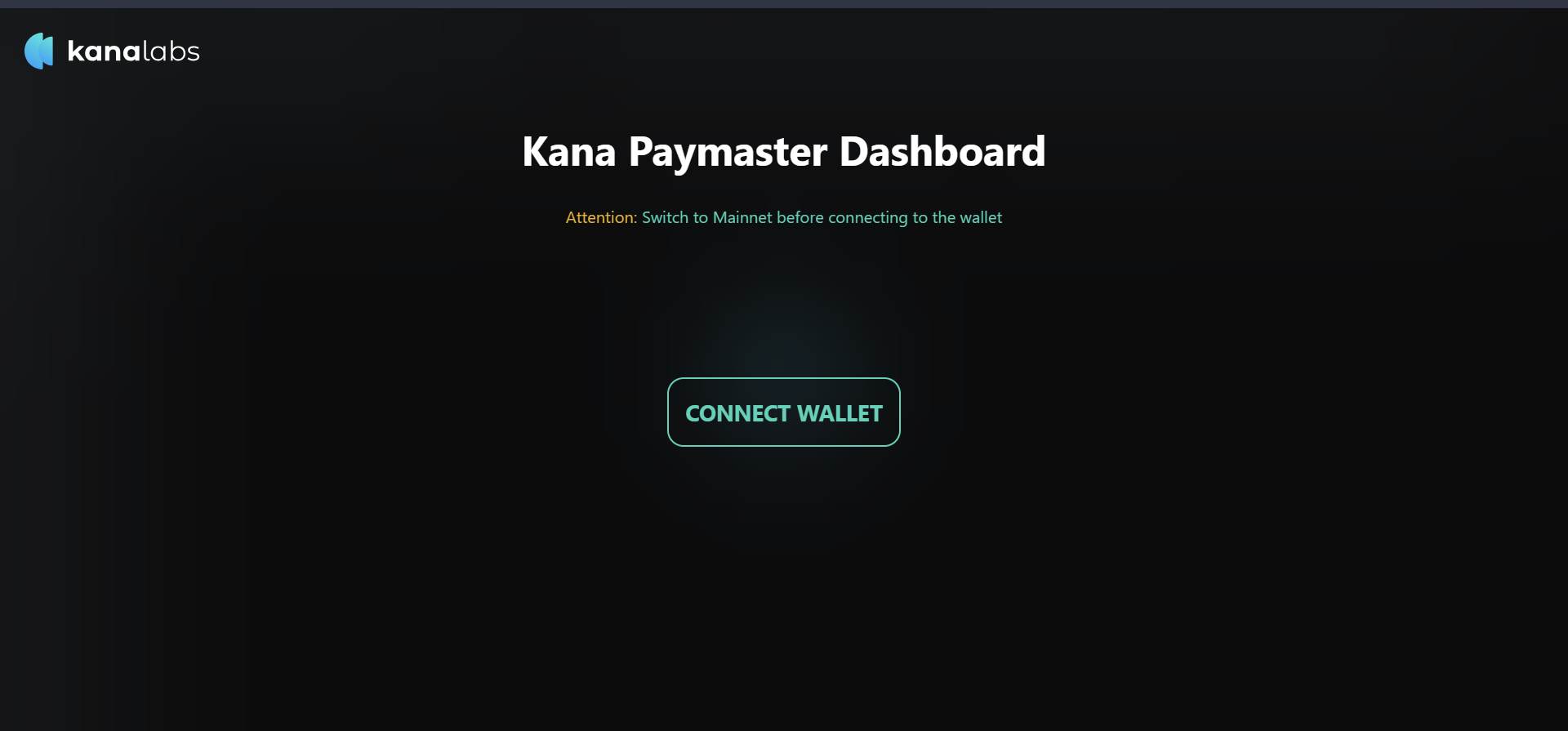
On the dashboard page, you will see a button to "Connect Wallet". Click this to connect your Aptos wallet you would like to use to deposit allowance funds.
Connect wallet
### Completing Registration
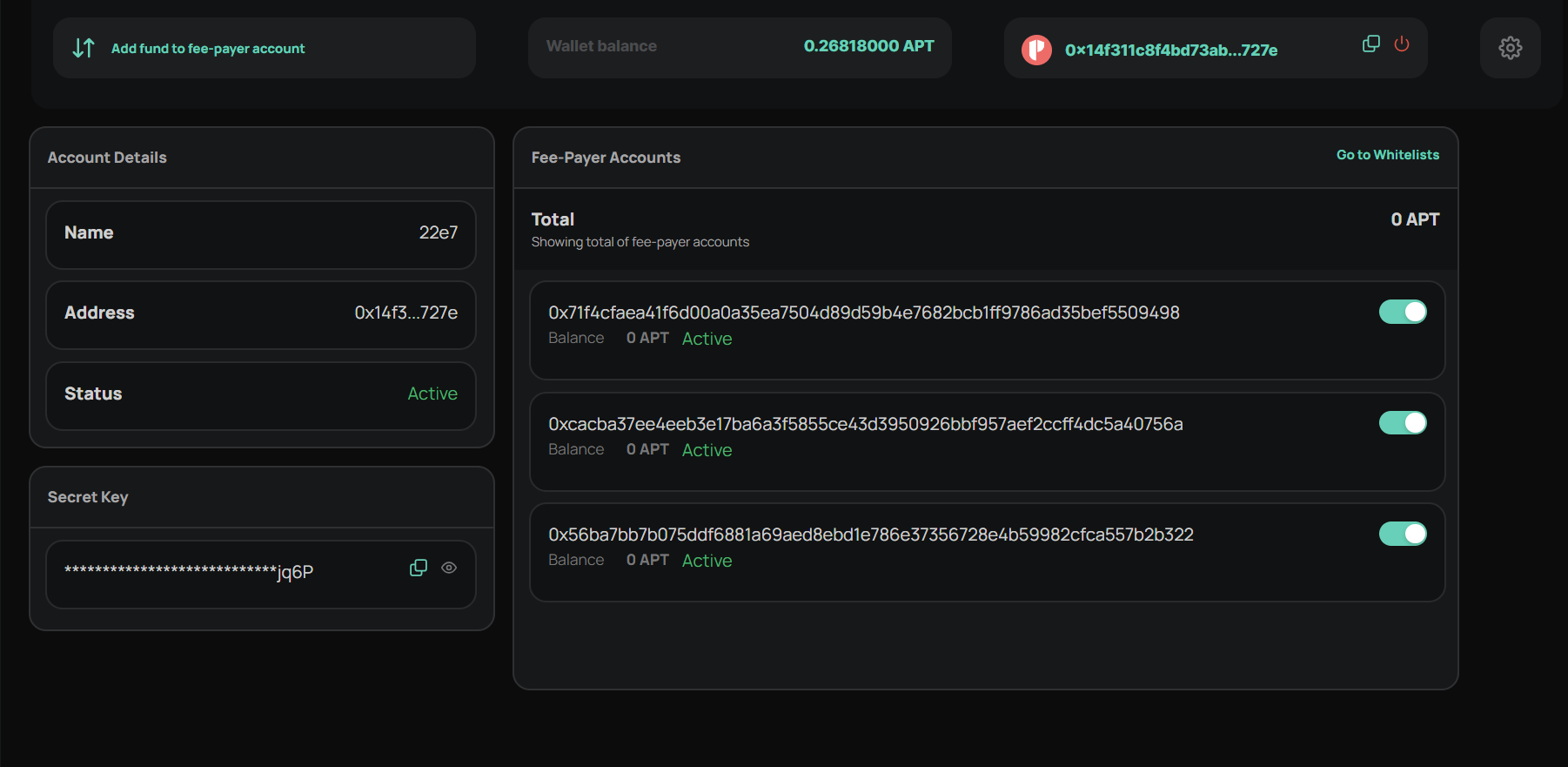
Once wallet connected, enter the project name and click "Register" to complete the registration process. A new sponsor account will now be created.
### Receiving the API Key
Upon successful registration, you will be provided with a unique "secret key". This key should be securely stored, as it will be required to send any sponsored transactions for submission to the platform. Exposing this key publicly could enable others to misuse your funds.
### Deposit Funds to Sponsor Transactions:
With your account registered and payer key received, the final step is to deposit APT token allowance. These deposited funds represent your allowance balance, and will be used to sponsor transactions on your behalf as you utilize the platform.
To deposit allowance go to Deposit tab.